Here we will explain how to enter an address so that the item will be delivered to a specified address, rather than to a hotel. Use this when sending a gift to a friend living in Japan, or when delivering to a homestay family, etc.
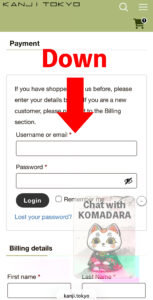
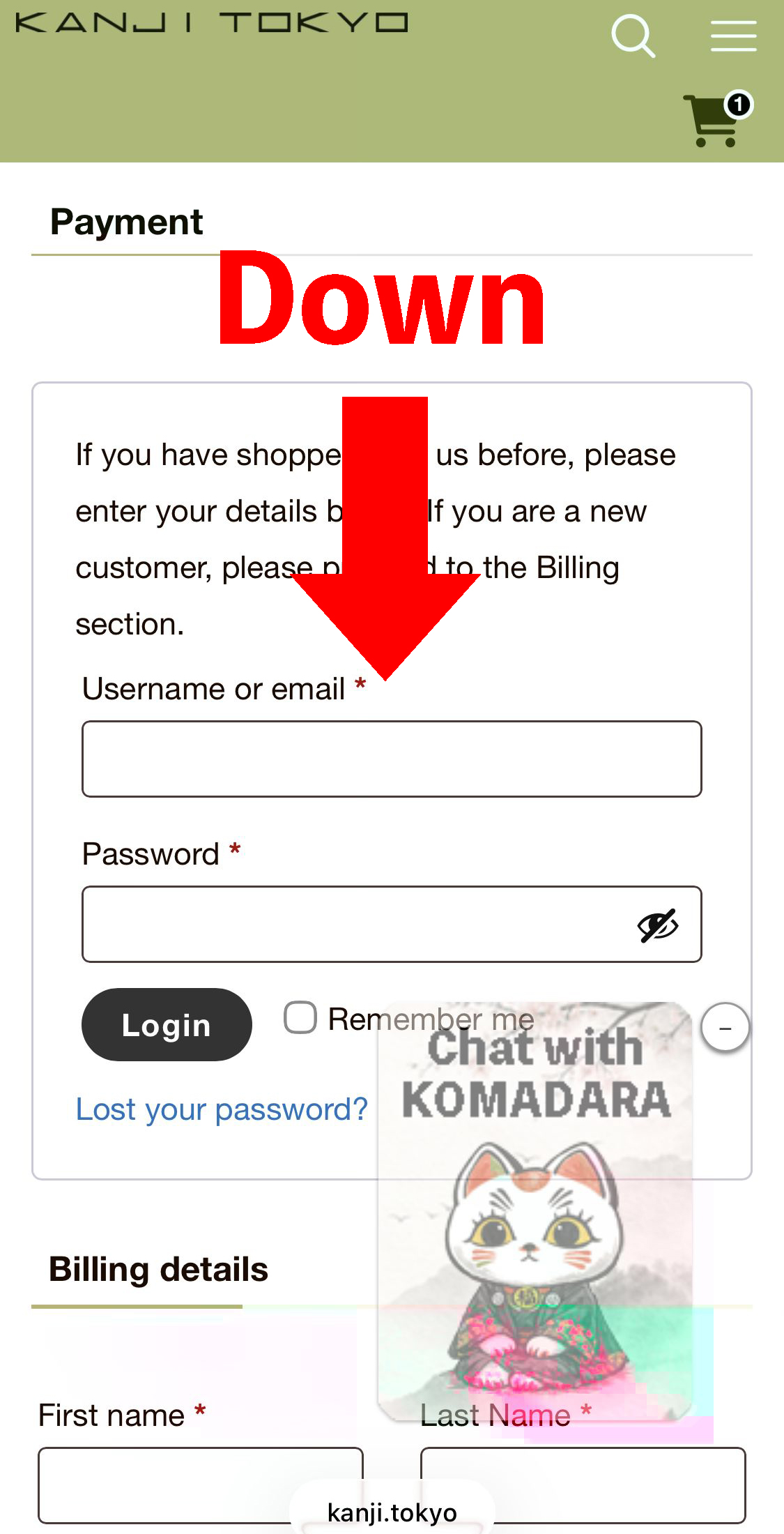
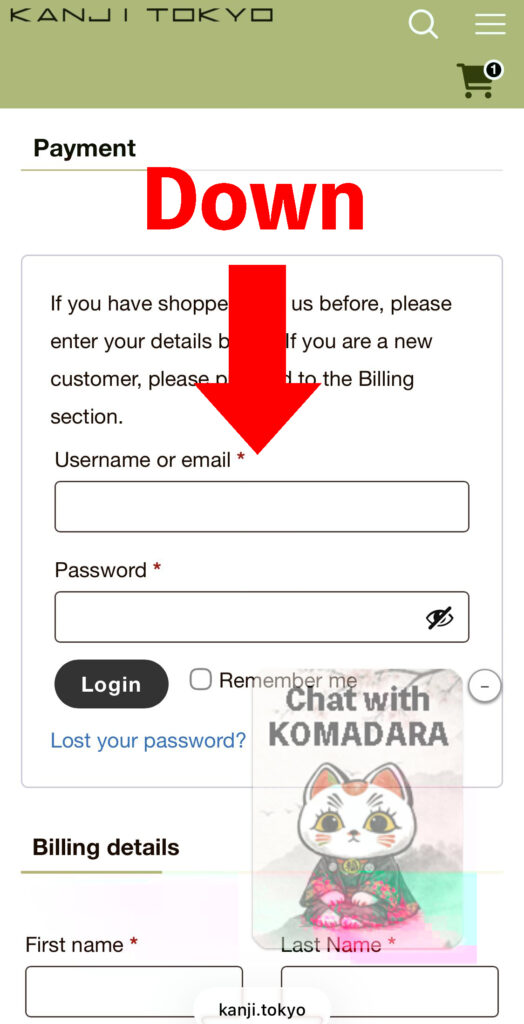
1. Set this when entering shipping information in the cart.
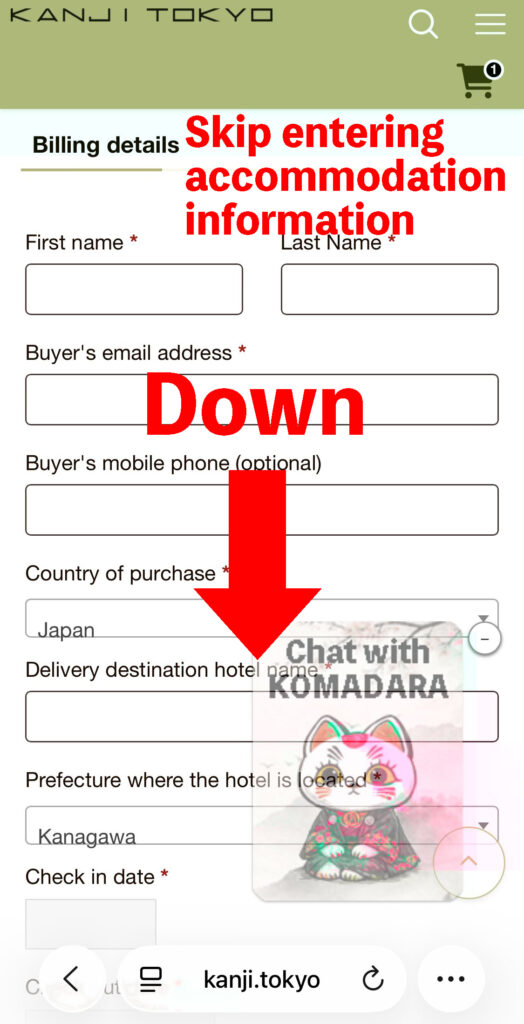
2. Please also skip the hotel information input section.
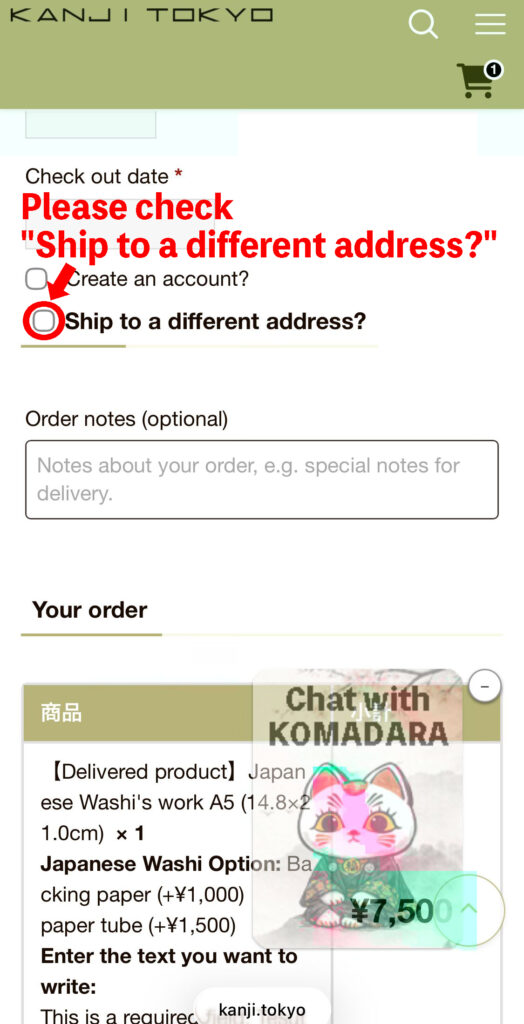
3. Check “Ship to a different address?”
4. A space will open where you can enter your specified address information.
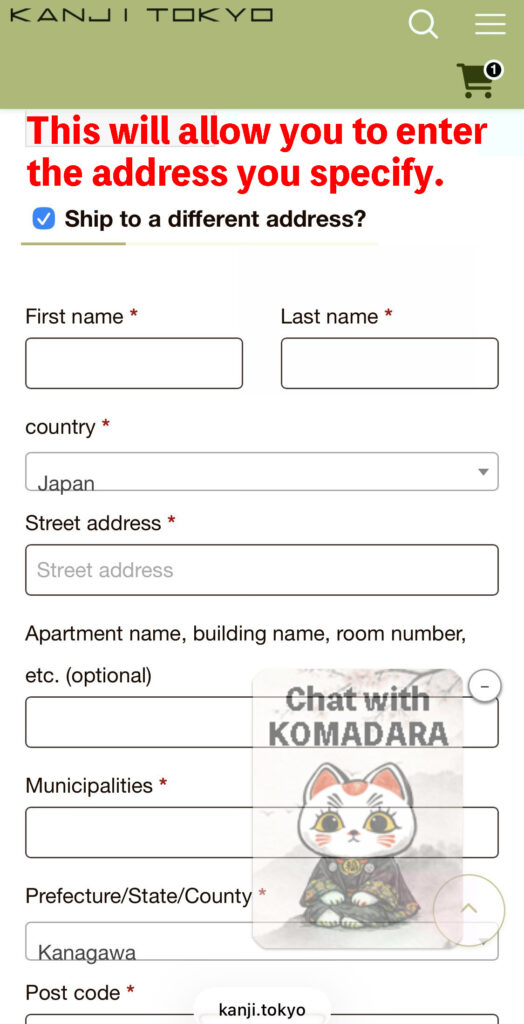
Enter the recipient’s name, address, phone number, etc. here and proceed to payment.